
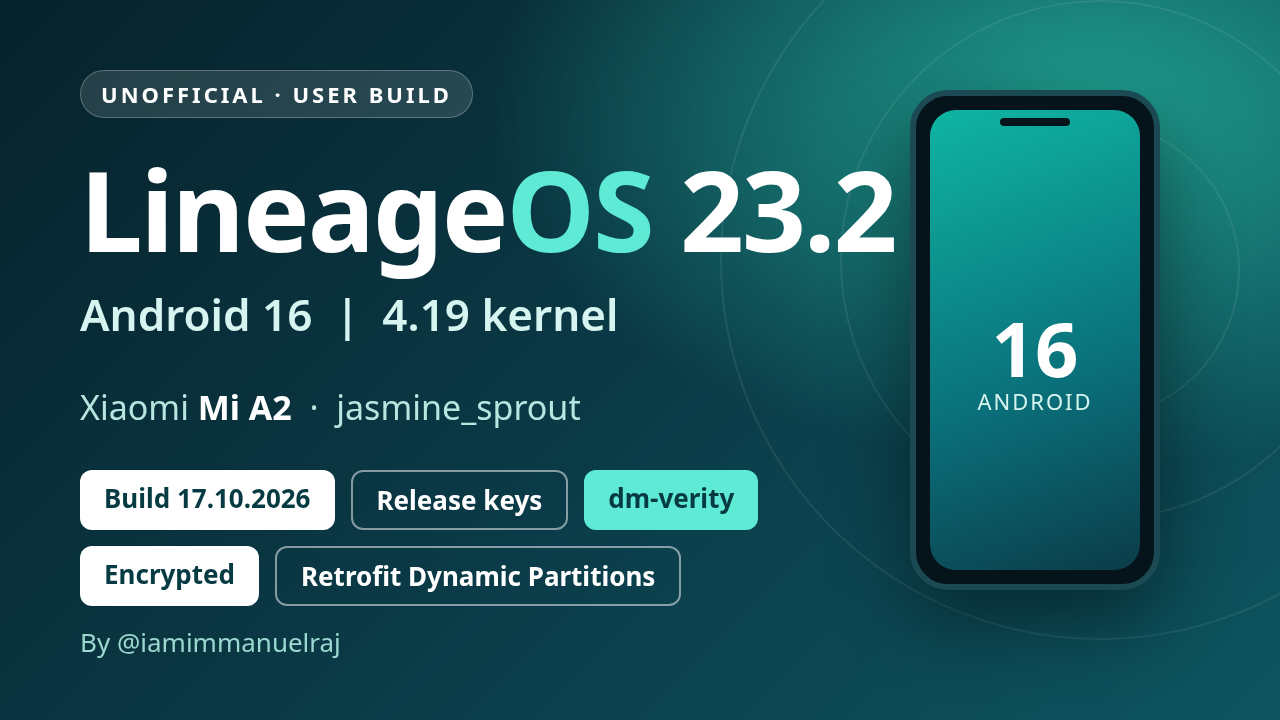
UNOFFICIAL - user build, release-keys signed - Encrypted build (file-based encryption, AES-256-XTS) - Build date 17.10.2026 (updated 18.10.2026)
⚠️ Bluetooth crashes at every start on this build, and the GApps zip stops with error 28. Update to 28.10.2026 (no wipe needed).
Updated 18.10.2026: battery and notification LED, charging control.
Needs an unlocked bootloader. Changelog: CHANGELOG.md.
Known issues: Widevine is Level 3 only; only the Goodix fingerprint sensor is supported for now. Have a unit with an FPC sensor? Open an issue and I'll add support.
⚠️ Clean flash required - all data will be lost. You must format data, which erases everything on the phone: apps, settings, photos, downloads and the rest of internal storage. Back up first. This also applies if you are on the 09.10.2026 build (this one is signed with different keys).
Build identifiers
| Android / ROM | Android 16, LineageOS 23.2 - Vanilla (no Google apps) or GApps (MindTheGapps built in; not Play Store certified) |
| Build type | user build, release-keys signed |
| SELinux | Enforcing |
| Verified boot | dm-verity (AVB 2.0 hashtree on all dynamic partitions, signed vbmeta); bootloader stays unlocked |
| Kernel | 4.19 (LineageOS SDM660 kernel) |
| Partitions | A/B with retrofit dynamic partitions (super = system + vendor); super_empty.img needed on first install |
| Filesystems | EROFS (lz4) for system, vendor, product, system_ext, odm; f2fs for data |
| Encryption | File-based encryption v2 (AES-256-XTS) + metadata encryption |
| Haptics | QTI haptics (QTI vibrator HAL) |
Downloads
| File | Use |
|---|---|
| lineage-23.2-20261017-UNOFFICIAL-jasmine_sprout.zip | The ROM, Vanilla - no Google apps (sideload from recovery) |
| lineage-23.2-20261017-UNOFFICIAL-jasmine_sprout-GAPPS.zip | The ROM, GApps - MindTheGapps built in (sideload from recovery). Flashable GApps zips don't work on this ROM (EROFS + dm-verity), so pick this one if you want Google apps |
| recovery-lineage-23.2-20261017-jasmine_sprout.img | Recovery image (this device uses recovery-as-boot, so it is flashed to boot) |
| super_empty-lineage-23.2-jasmine_sprout.img | Empty super image for the retrofit dynamic partitions (first install only) |
| SHA256SUMS | Checksums for all files above |
| lineage-23.2-20261017-UNOFFICIAL-jasmine_sprout.zip.sha256, lineage-23.2-20261017-UNOFFICIAL-jasmine_sprout-GAPPS.zip.sha256 | Checksum of each ROM zip |
| copy-partitions-20210323_1922.zip | Makes the firmware partitions consistent (once per device, from PixelExperience-Devices/blobs) |
Verify your downloads (all files in one folder): sha256sum -c SHA256SUMS
Flashing instructions
Mi A2 uses retrofit dynamic partitions, so the install follows the same procedure as the PixelExperience Mi A2 install guide, with the files above.
Before you start
- Read all the steps once. Stop if any step fails.
- Install
adbandfastboot(fastboot 31.0.2 or newer). - Enable USB debugging. Back up your data: the bootloader unlock and the data format below erase everything.
- The device should be on the latest stock Android 10 firmware.
- Unlock the bootloader if it is still locked (once per device): enable OEM unlock,
adb reboot bootloader, thenfastboot oem unlock.
1. Flash the recovery
adb reboot bootloader(or power off and hold Volume Down + Power).fastboot flash boot recovery-lineage-23.2-20261017-jasmine_sprout.img- If fastboot reports a
boot__a/boot__bslot name, update fastboot, or flash to the slot it names (e.g.boot_a).
- If fastboot reports a
- Reboot into recovery: power off, hold Volume Up + Power until the logo appears, and keep Volume Up held after releasing Power.
2. Make firmware partitions consistent (once per device)
- In recovery choose Apply update > Apply from ADB.
adb sideload copy-partitions-20210323_1922.zip- In recovery choose Advanced > Reboot to recovery.
3. Flash super_empty.img (first installation only)
- In recovery choose Advanced > Reboot to bootloader (or run
fastboot reboot bootloader/adb reboot bootloader). This must be the normal bootloader (fastboot devicesshowsfastboot), not recovery's "Enter fastboot" (fastbootd): in fastbootd,wipe-superfails withResizing 'vendor_b' FAILED (remote: 'Not enough space to resize partition'). fastboot wipe-super super_empty-lineage-23.2-jasmine_sprout.img- Don't add
--slot=all: the Mi A2 bootloader stops withCould not check if partition vendor has slot all. - Expected output:
Writing 'system_b' OKAY,Writing 'vendor' OKAY(vendor is 0 KB, that's normal),Finished.
- Don't add
- Boot back into recovery: power off, hold Volume Up + Power.
4. Install LineageOS
- In recovery choose Factory reset > Format data / factory reset and continue. This is required because the build is encrypted; it deletes internal storage.
- Go back to the main menu, choose Apply update > Apply from ADB.
adb sideload lineage-23.2-20261017-UNOFFICIAL-jasmine_sprout.zip(Vanilla) oradb sideload lineage-23.2-20261017-UNOFFICIAL-jasmine_sprout-GAPPS.zip(GApps)- When it finishes, go back and choose Reboot system now.
The first boot takes a few minutes. If it drops back to the bootloader or recovery, redo the steps above.